









Service Request & Completion of Request
Respond to any service requests made by the end user for any faults or requests, obtain the necessary approvals and complete the request according to the customer's needs.
Discover More!
Service Level Agreement (SLA)
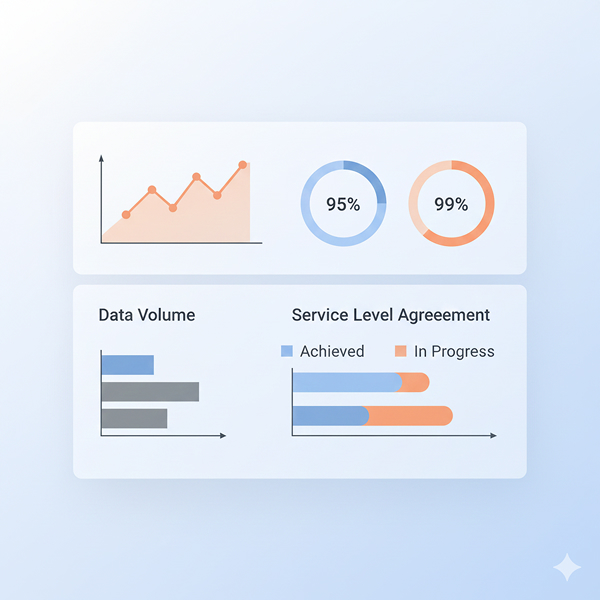
SLA is a commitment between the IT provider and the user. Easily track service standards based on metrics and targets in the SLA with alert mechanisms and colourful interfaces.
Discover More!
Time Tracking and Financial Management
SLA is a commitment between the IT provider and the user. Easily track service standards based on metrics and targets in the SLA with alert mechanisms and colourful interfaces.
Discover More!
Knowledge
Bank
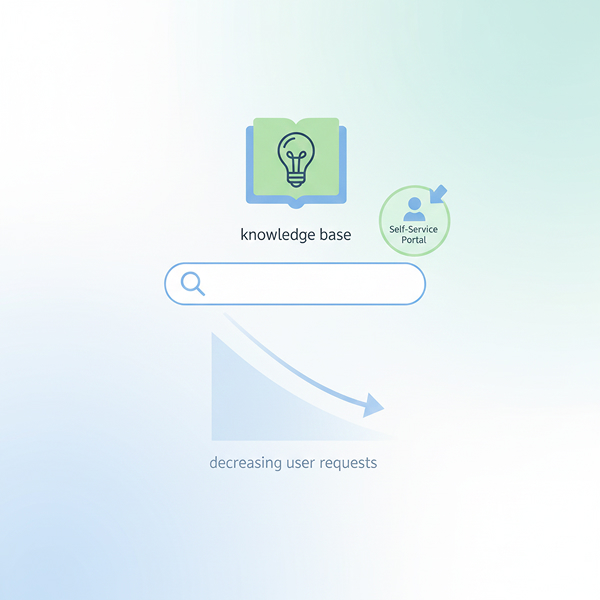
Create a corporate knowledge base to enable IT teams and users to instantly find the information they need; store all experience and knowledge on a centralised platform.
Discover More!
Company & Contract Management
Build your corporate memory by storing the company and contract information for the processes you run with your affiliates or third-party business partners on a single platform.
Discover More!
Asset Management
Track the lifecycle of IT assets from end to end. Increase inventory visibility and cost control by centrally managing devices, licences and consumables.
Discover More!
Incident Management
Identify, classify, prioritise and resolve incidents occurring within your IT ecosystem; enhance service quality by managing the entire lifecycle of all incidents.
Discover More!
Problem Management
Identify recurring incidents, resolve them effectively, analyse their root causes in detail, and proactively prevent their recurrence.
Discover More!
Change Management
Manage all changes that may have a direct or indirect impact on services in an effective, controlled and planned manner, implementing them smoothly and successfully.
Discover More!
Asset & Inventory Management
Manage the entire lifecycle of all devices and consumables used in IT services; keep procurement, maintenance and renewal processes under control.
Discover More!
Service Catalog
Manage the entire lifecycle of all devices and consumables used in IT services; keep procurement, maintenance and renewal processes under control.
Discover More!
Project Management
Effectively manage the planning, implementation, evaluation and control processes in the implementation of new systems, infrastructure updates or technology projects.
Discover More!Service Request & Completion of Request
Respond to any service requests made by the end user for any faults or requests, obtain the necessary approvals and complete the request according to the customer's needs.
Discover More!Service Level Agreement (SLA)
SLA is a commitment between the IT provider and the user. Easily track service standards based on metrics and targets in the SLA with alert mechanisms and colourful interfaces.
Discover More!Time Tracking and Financial Management
SLA is a commitment between the IT provider and the user. Easily track service standards based on metrics and targets in the SLA with alert mechanisms and colourful interfaces.
Discover More!Knowledge
Bank
Create a corporate knowledge base to enable IT teams and users to instantly find the information they need; store all experience and knowledge on a centralised platform.
Discover More!Company & Contract Management
Build your corporate memory by storing the company and contract information for the processes you run with your affiliates or third-party business partners on a single platform.
Discover More!Asset Management
Track the lifecycle of IT assets from end to end. Increase inventory visibility and cost control by centrally managing devices, licences and consumables.
Discover More!Incident Management
Identify, classify, prioritise and resolve incidents occurring within your IT ecosystem; enhance service quality by managing the entire lifecycle of all incidents.
Discover More!Problem Management
Identify recurring incidents, resolve them effectively, analyse their root causes in detail, and proactively prevent their recurrence.
Discover More!Change Management
Manage all changes that may have a direct or indirect impact on services in an effective, controlled and planned manner, implementing them smoothly and successfully.
Discover More!Asset & Inventory Management
Manage the entire lifecycle of all devices and consumables used in IT services; keep procurement, maintenance and renewal processes under control.
Discover More!Service Catalog
Manage the entire lifecycle of all devices and consumables used in IT services; keep procurement, maintenance and renewal processes under control.
Discover More!Project Management
Effectively manage the planning, implementation, evaluation and control processes in the implementation of new systems, infrastructure updates or technology projects.
Discover More!